S
Samsung
Galaxy S and Z; many Galaxy A models
- NFC availability
- Varies by model and region
- Before relying on it
- Check exact SKU
Reviews Everywhere uses established NFC technology supported across the overwhelming majority of modern NFC-enabled smartphones customers carry today.
Choose the closest match. We will show the correct tap action without hiding regional Android differences.
These iPhones support background NFC tag reading. No customer app or NFC control is normally required.
| Model / generation | NFC support | Background reading | User action | Status |
|---|---|---|---|---|
| iPhone 17e, 17, Air, 17 Pro, 17 Pro Max | Yes | Yes | Wake or unlock, then tap | Excellent |
| iPhone 16 / 15 / 14 / 13 / 12 / 11 families | Yes | Yes | Wake or unlock, then tap | Excellent |
| iPhone SE (2nd and 3rd generation) | Yes | Yes | Wake or unlock, then tap | Excellent |
| iPhone XS, XS Max and XR | Yes | Yes | Wake or unlock, then tap | Excellent |
| iPhone X, 8 / 8 Plus, 7 / 7 Plus | Yes | No | Start NFC Tag Reader first | Extra step |
| iPhone 6 family and iPhone SE (1st generation) | Limited to Apple Pay | No | Required tag reading is unavailable | Not compatible |
Galaxy S and Z; many Galaxy A models
Modern Pixel smartphones
Selected Edge, Razr and Moto G variants
Current numbered flagships and selected Nord models
Xiaomi flagships; selected Redmi and POCO models
Find, Reno, X and selected mid-range models
Magic and current Phone families where NFC is listed
NFC-equipped Xperia, Zenfone and ROG Phone models
Open Settings › Connected devices › Connection preferences › NFC. If the NFC control is present, switch it on. If the setting is absent, that exact phone or regional variant may not include NFC.
The request happens while the customer is still there.
The phone reads the NFC tag. Android users may need NFC enabled.
No app download, account creation, QR scan or manual search.
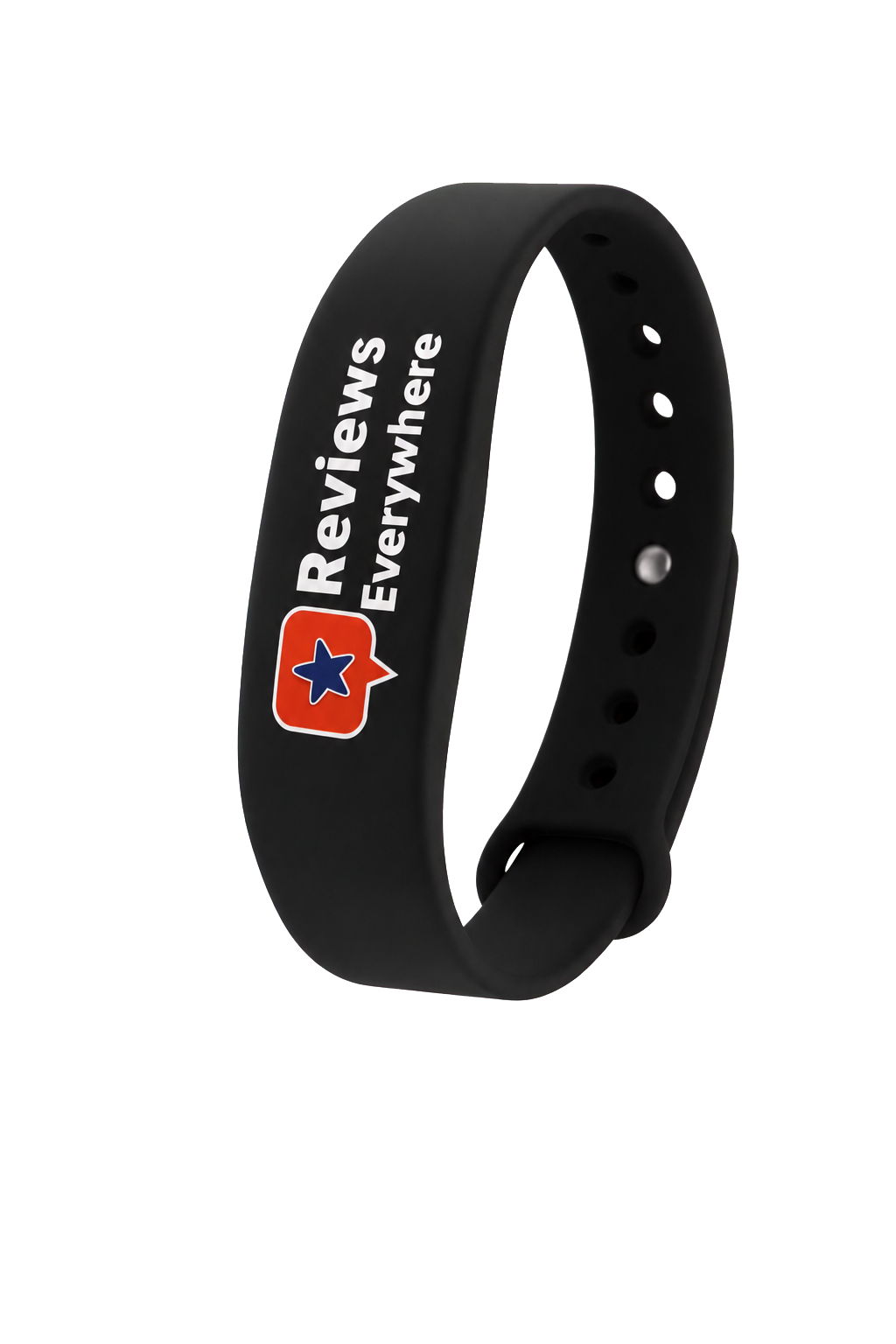
The wristband uses NTAG215 / ISO/IEC 14443A technology at 13.56 MHz. The smartphone creates the NFC field that powers the interaction.
No. A compatible smartphone reads the wristband and opens the selected review destination directly.
No. NFC availability varies by manufacturer, model, price tier and regional variant. Most modern NFC-equipped Android phones are compatible, but the exact device should list NFC in Settings or its official specifications.
On modern iPhones, background tag reading works natively when the phone is in use. On Android, NFC may need to be enabled in Settings.
On iPhone, bring the top edge of the phone close to the wristband. On Android, use the back of the phone; the exact antenna position varies, so a small up-or-down movement may help.
Most ordinary phone cases do not. Very thick cases or cases containing metal, magnets or card-storage hardware can reduce NFC performance.
No. This guide lists only officially released or documented devices. It is updated as manufacturers officially release new smartphones.
New smartphones are released throughout the year. We continuously update this compatibility guide as new Apple and Android devices become officially available.
Compatibility is based on official documentation available when this page was updated. Always check the exact Android model and regional variant before making a device-specific promise.
One Reviews Everywhere wristband works across the modern Apple and NFC-enabled Android ecosystem.
Start Getting More Reviews APPLE + ANDROID READY
Your wristbands open your Google review page with one tap, so your business needs at least one active Google Business Profile.
Up to one business location per wristband. A team sharing one location uses several wristbands, so you may add fewer. Prefer to do it later? You can add — or change — your business profiles during setup in the Reviews Everywhere app.